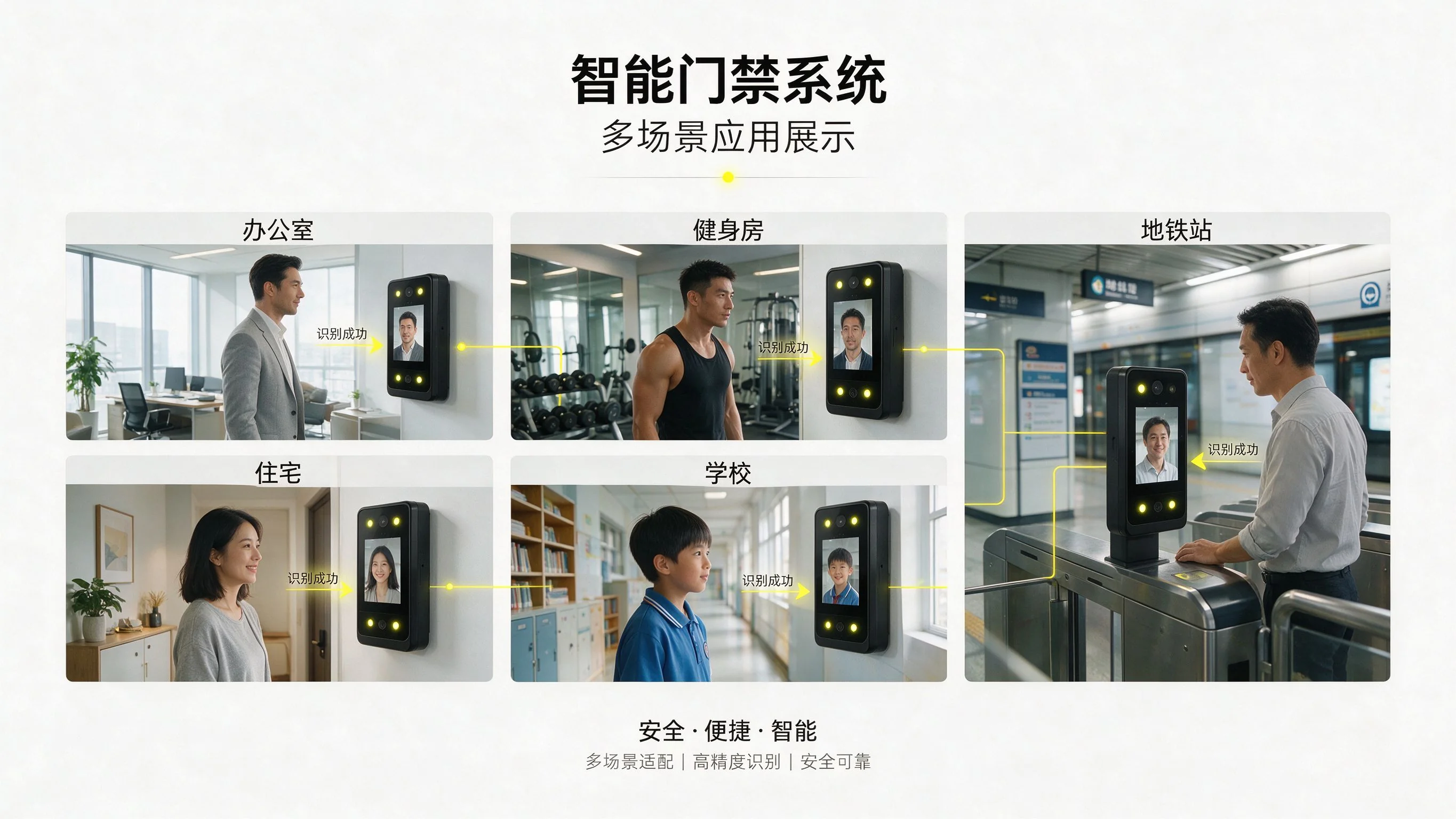
Access pain points in offices
Office towers, coworking spaces and HQs juggle daily staff access, visitor sign-in, meeting-room booking and zone security. Cards are lost or lent; visitor check-in is slow and hard to trace — a system that manages staff and visitors separately is needed.
Frictionless staff access
Employees enroll a face and pass turnstiles or door terminals by face; badge and QR are also supported. Permissions are issued by department, floor and shift; attendance and trails are kept in the platform.
Booking & time-limited visitor pass
A host books the visit online and issues a time-limited QR or face pass valid only for the agreed window and area; it expires automatically, no card collection, and the visitor trail is traceable.
Floor, elevator & meeting-room zoning
Permissions split by floor, elevator hall, meeting room and server room: staff reach their floor; executives and visitors are scoped separately; room booking opens the gate at once, preventing off-zone entry.
Offline recognition when the network drops
Devices cache people and permissions locally; face/QR recognition and opening continue offline in weak network or outage, then auto-upload records when connectivity returns.
Visitor system & building platform integration
Events integrate via API with enterprise visitor booking, OA and BMS/BAS, closing the loop of booking → authorization → entry → check-out and linking with security and fire systems.
Rollout advice
Start with staff face access + time-limited visitor QR + lobby/floor zoning, then add elevators and meeting rooms. Book a consult for API and deployment details.
FAQ
Can staff and visitors be managed separately?
Yes. Staff hold permanent face/badge/QR permissions; visitors get booking-generated time-limited passes with independent identity and expiry.
Must visitors fill in a sign-in form on site?
No. The host books online and issues a time-limited QR or face pass; the visitor scans or faces in during the agreed window, and it expires automatically.
Which areas can a visitor enter?
Only the booked window and area (lobby, meeting room or a specified floor); elevators and other floors are blocked by default and over-access is stopped.
Does face access work offline?
Yes. Devices cache people and permissions locally; recognition and opening continue in weak network or outage, then auto-upload records.
Is face supported alongside card or QR?
Yes. One permission can bind face, badge and QR at once; pick the reading method that fits the site.
Can it integrate with our visitor booking or OA?
Yes via API with visitor booking, OA and BMS/BAS for booking → authorization → entry → check-out; book a consult for interfaces.
Does room booking open the door automatically?
Yes. Meeting-room booking links to access control and releases the gate at the booked slot, closing permission afterward.
Where are trails and attendance viewed?
Events and trails are kept in the management platform and queryable/exportable by person, department, floor and time.
Does an expired visitor pass auto-invalidate?
Yes. The pass expires by booked window automatically; no card collection or manual revocation, avoiding leftover valid access.
Can one system cover multiple buildings or floors?
Yes. The platform issues permissions by organization, floor and area for centralized multi-building management; book a consult for scale.